
Your agents now work where your work already is
Three of October's releases bring your agents to the places your work already lives: your inbox, the tools you already pay for, and the folders on your own computer.
Most small teams do not live in an AI app. They live in their inbox, in a handful of tools they already pay for, and in folders on a laptop or the office file server. An assistant that only works when you open it and paste things in is one more place to go.
October brought the agents to those places instead. Odokai shipped 63 releases last month, and three of them change where your agents can meet your work: your email, your tools and your own folders.
Email an agent, and get the answer back by email
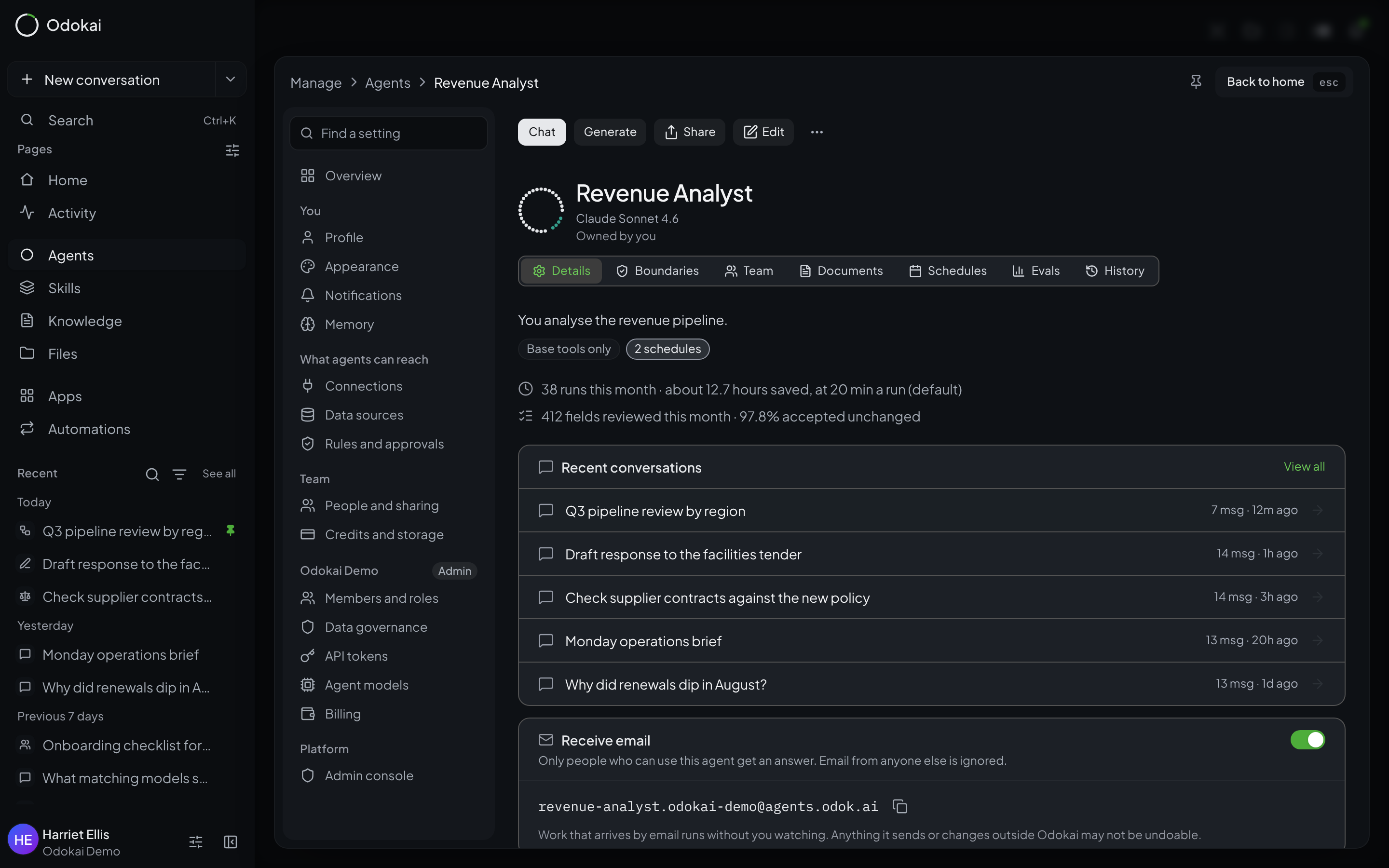
Every agent in Odokai can now have its own email address. Switch on Receive email on the agent's page and it gets an address like revenue-analyst.yourcompany@agents.odok.ai. Anyone on your team who can use that agent can forward it a contract, a supplier query or a spreadsheet and ask for what they need. The agent does the work and replies by email with its answer and any files it made.
It is careful about who it listens to. Only people who already have access to the agent get an answer; email from anyone else is ignored. The sender has to pass the standard checks that stop spoofed email, and each person can send up to 20 messages an hour. Work that arrives by email runs with nobody watching, so Odokai asks before it switches on and says plainly that anything the agent sends or changes outside Odokai may not be undoable. You can switch it off at any time.
500 more tools, each connected in one click
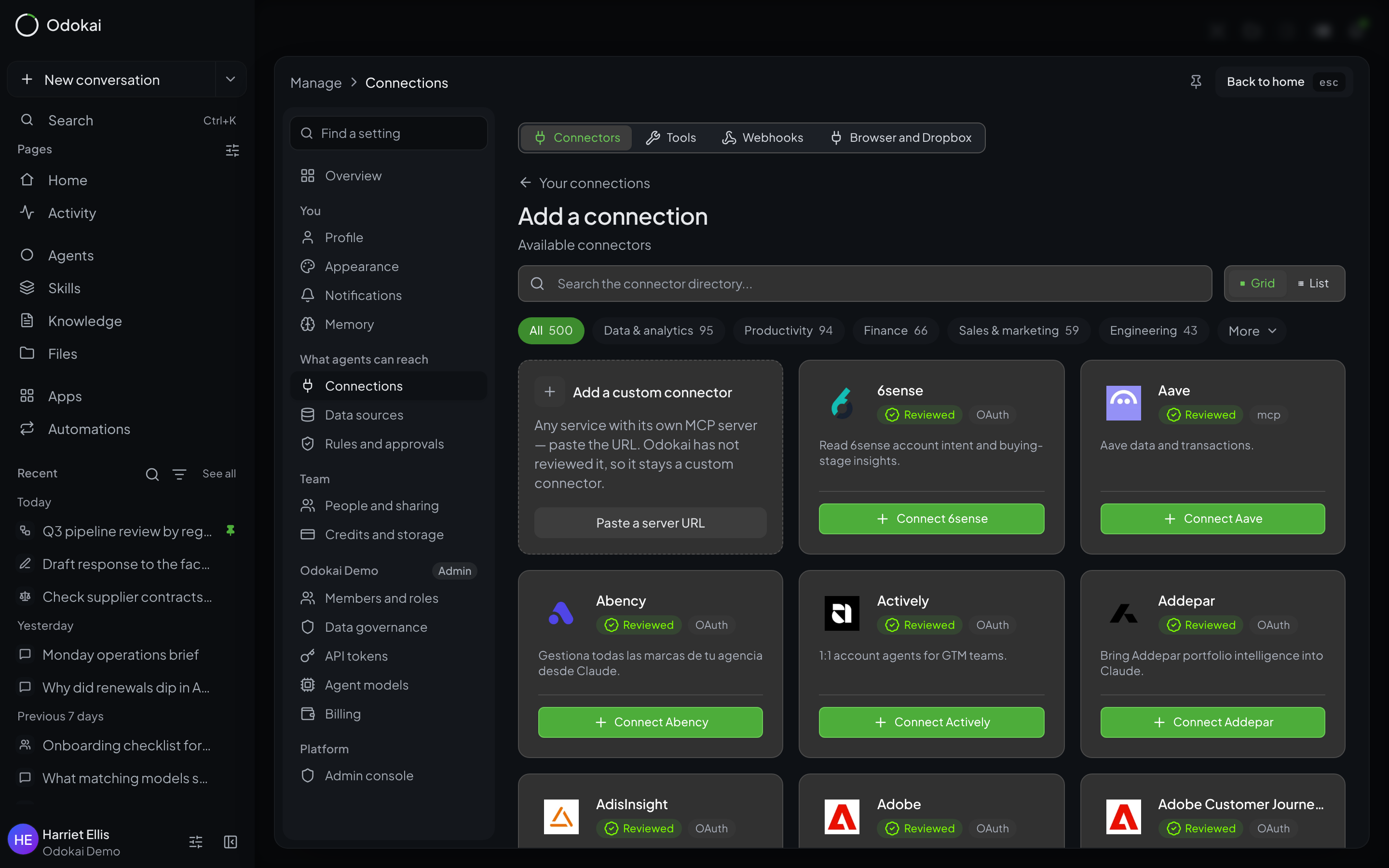
An agent is only as useful as what it can reach. In October the Connector Directory grew from 159 connectors to more than 650. The 500 new ones are the most-used services that Anthropic or OpenAI had already reviewed for their own directories, among them Shopify, Intuit QuickBooks, WordPress.com, Jotform, SurveyMonkey, Adobe, ZoomInfo and Typeform.
None of them needs setting up on your side. Either the service asks you to sign in with your own account when you connect, or there is no sign-in at all. The directory is grouped by category, so you can go straight to finance, or sales and marketing, and search from there. Connections also stay connected more reliably now, and signing in finishes in a small pop-up window rather than taking you away from what you were doing.
Folders on your own computer, without uploading them
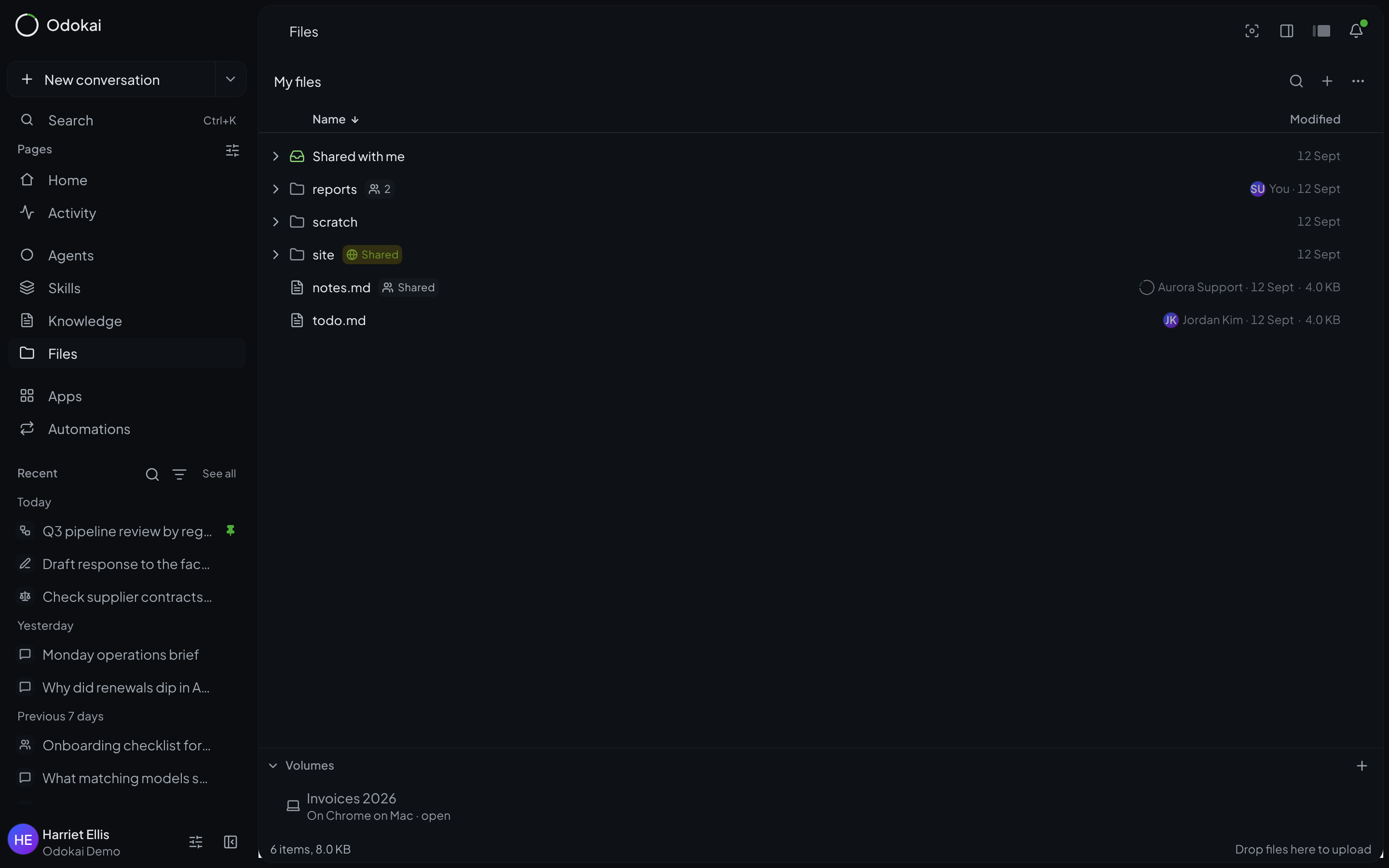
Plenty of business files never make it to the cloud: the invoices folder on the finance laptop, the project drive on the office server. With Volumes, you link a folder from Chrome or Edge and it appears at the bottom of Odokai's file explorer. It can be a folder on your computer or a network drive your computer has mounted.
Nothing is uploaded unless you or your agent asks for a file. You can open the folder, drag files or whole folders into a conversation, and your agents can look through it and copy what they need. If an agent wants to save something back into the folder, it asks you on that computer, every time. Your browser holds the access; Odokai keeps only the folder's name and which browser has it.
Also new in October
- Every agent's page shows the hours it saved you this month.
- Agents read spreadsheets, OpenDocument files, older Office formats, RTF, EPUB and saved emails wherever you hand them a file.
- Paste screenshots, images and files straight into a conversation.
- Run now tests a schedule without moving its next run, and you can open any past run to see what happened.
- Every reply shows which agent and which model wrote it.
- Agents can be sorted into folders on the Agents page.
- Organisations can sign people in with SAML and provision them with SCIM.
Try it with your own work
All of this is available in Odokai now. The quickest way to judge it is with something real: an inbox your team answers, a tool you already pay for, or a folder on the office server. Book a demo and bring one.